Merge photos with AI
AI Image Combiner
Add two photos, describe how they belong together, and get one natural-looking combined image. No layers, masking, or editing skills.
Every account gets 5 free credits per day · Full refund if a merge fails · Images stay private to your account
How it works
Three steps, no timeline scrubbing, no exporting layers.
Add two photos
Upload one photo into Photo 1 and one into Photo 2. The order stays fixed when you submit.
Describe the combined scene
Say which photo is which and what the finished scene should look like: who sits where, what stays, what changes.
Combine and download
Get one combined image in seconds to a couple of minutes. Download it right away, or find it later in your history.
Two photos in, one photo out
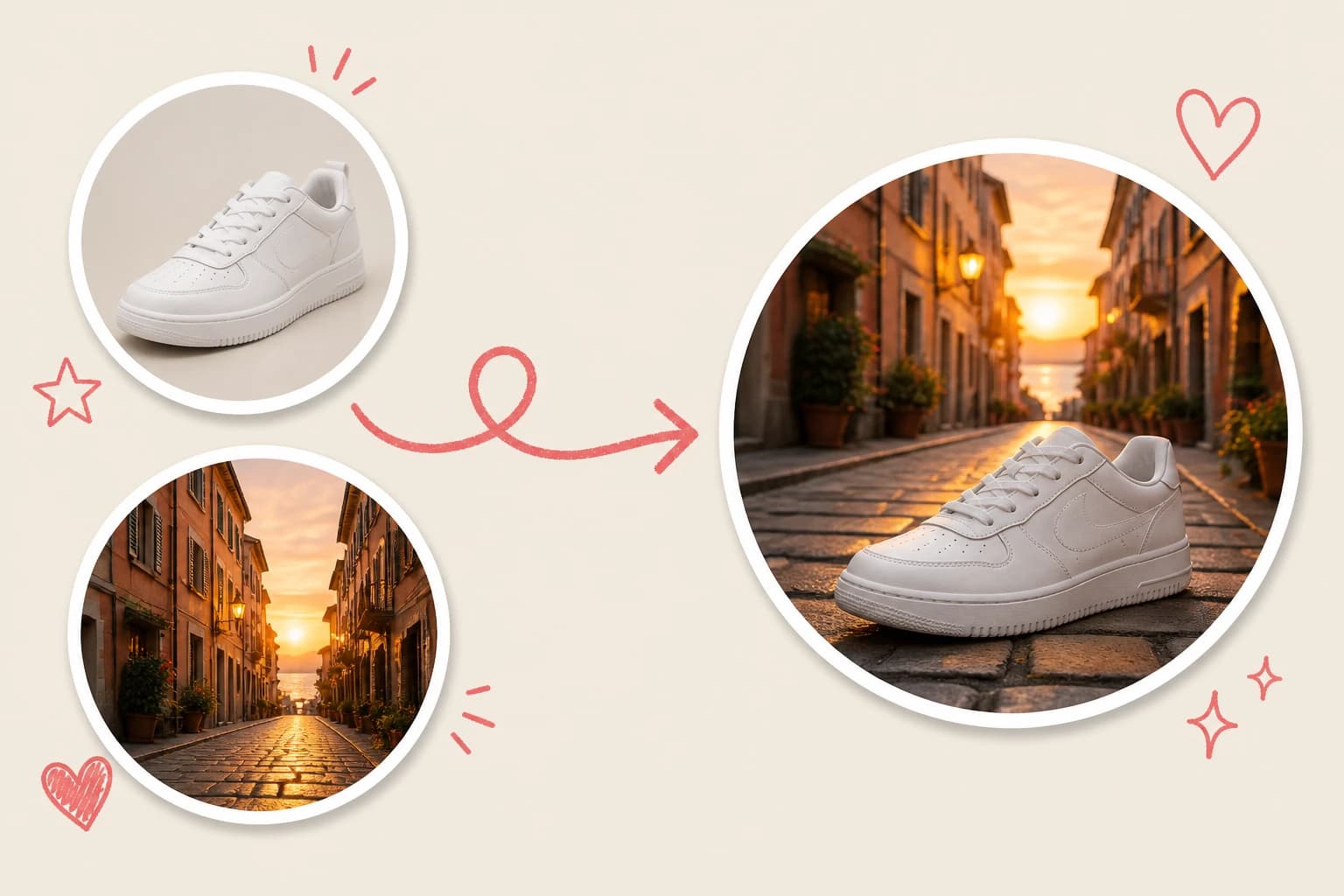
Every example below started as two separate photos. Bring your own pair and describe the scene — that is the whole workflow.
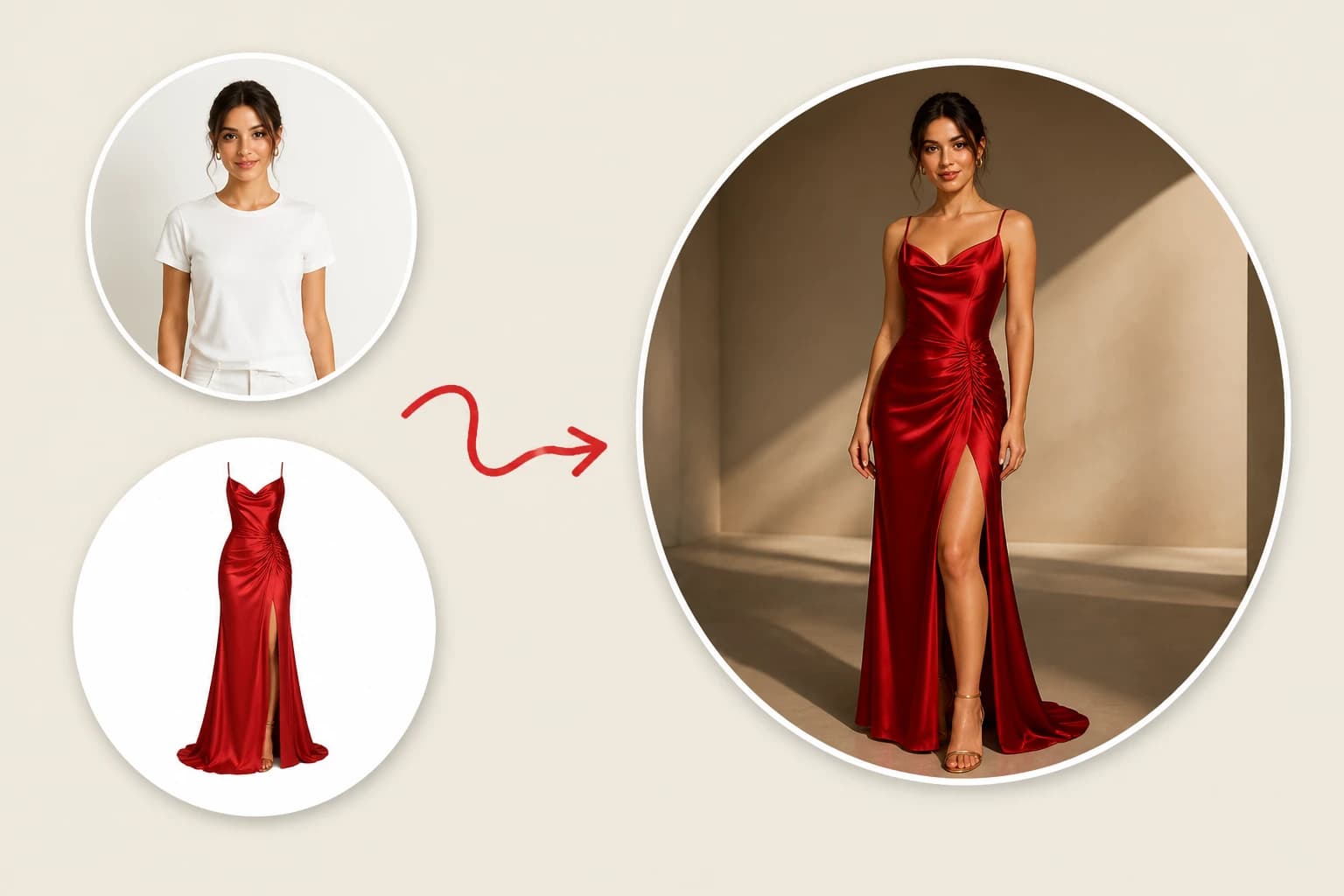
Commercial / Fashion
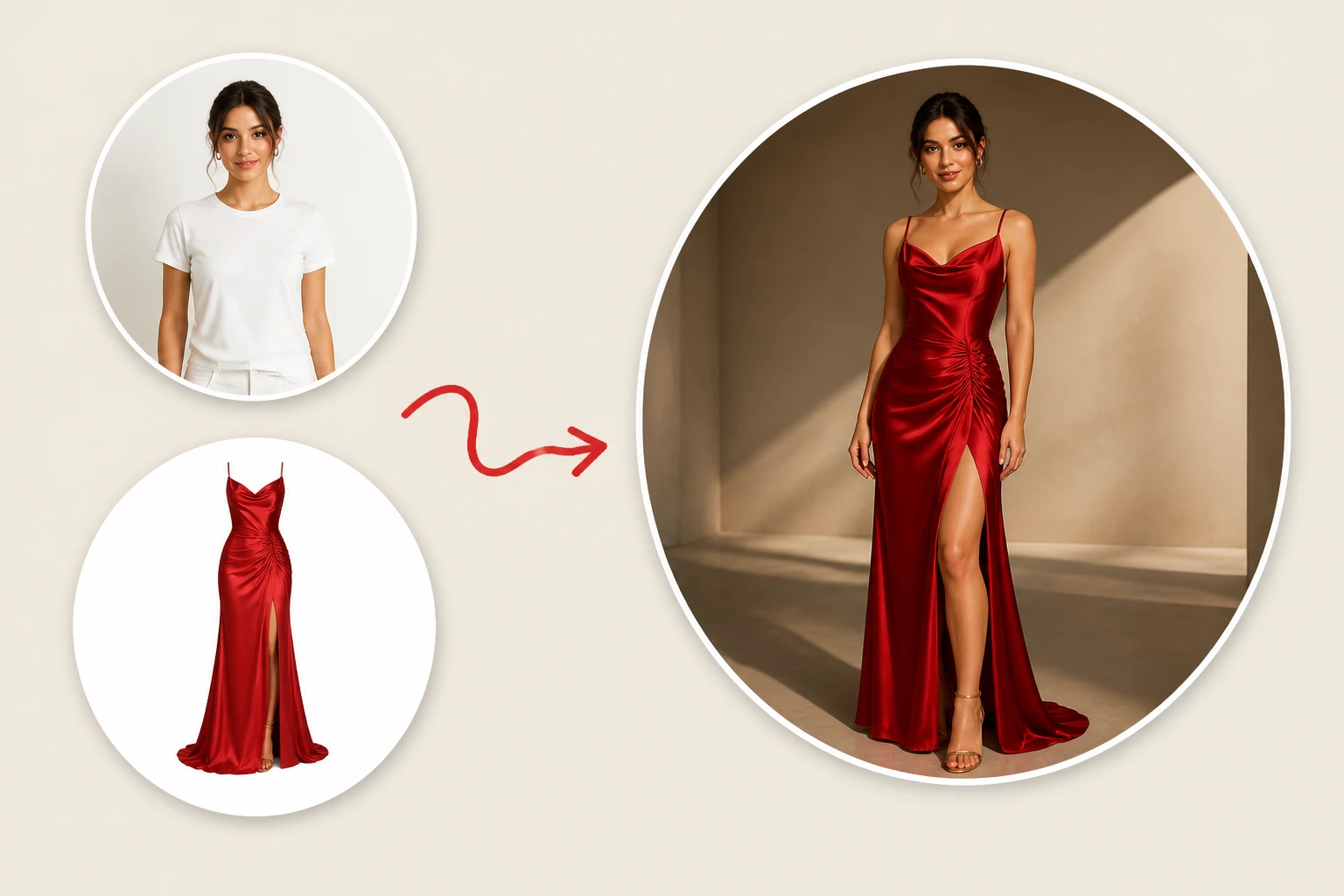
Virtual Outfit Swap
Upload a model portrait and a clothing item. AI seamlessly dresses the model while preserving facial features and body shape. It automatically matches fabric folds, textures, and environmental lighting to generate a professional fashion editorial—zero studio costs required.
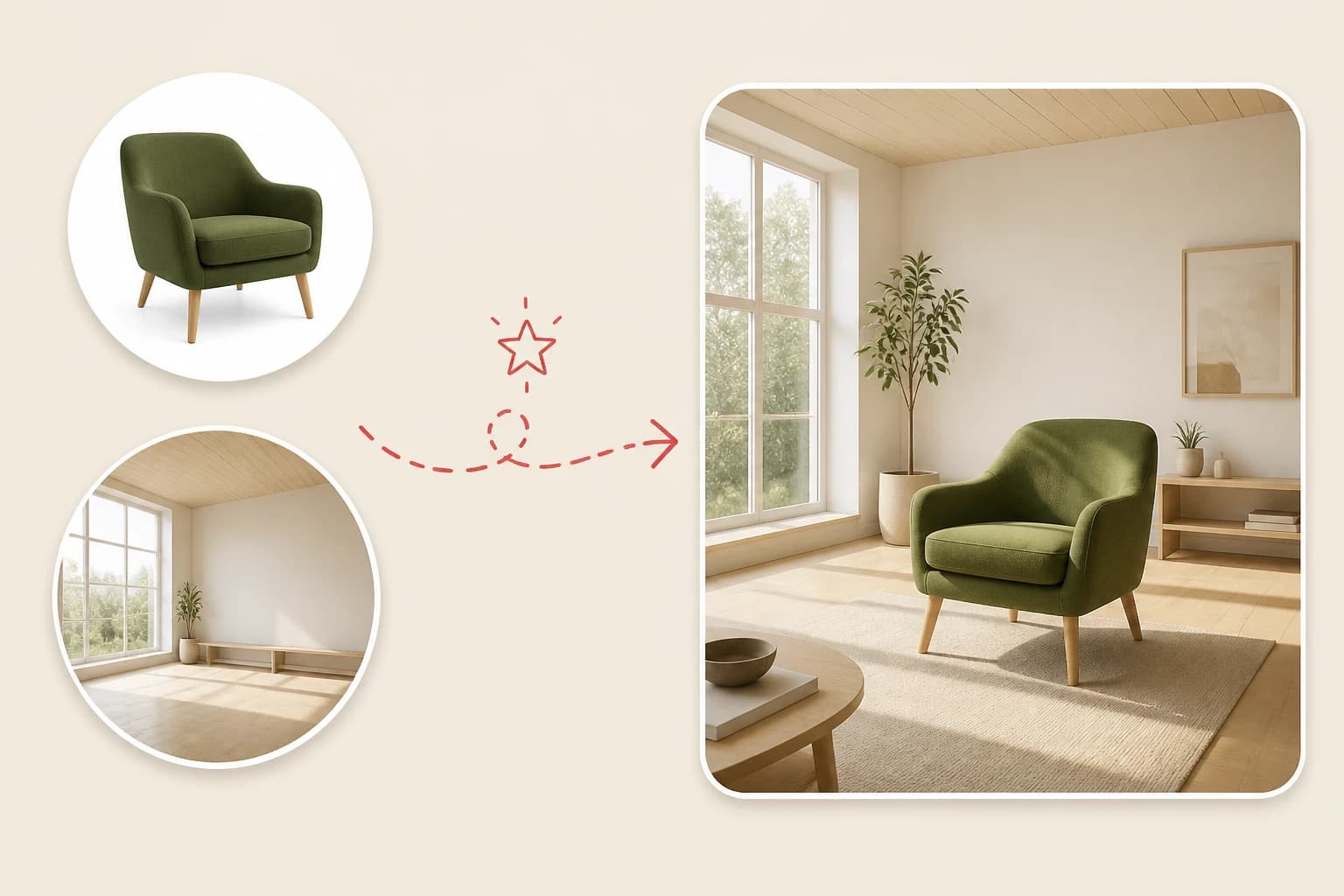
Home & Living / Interior
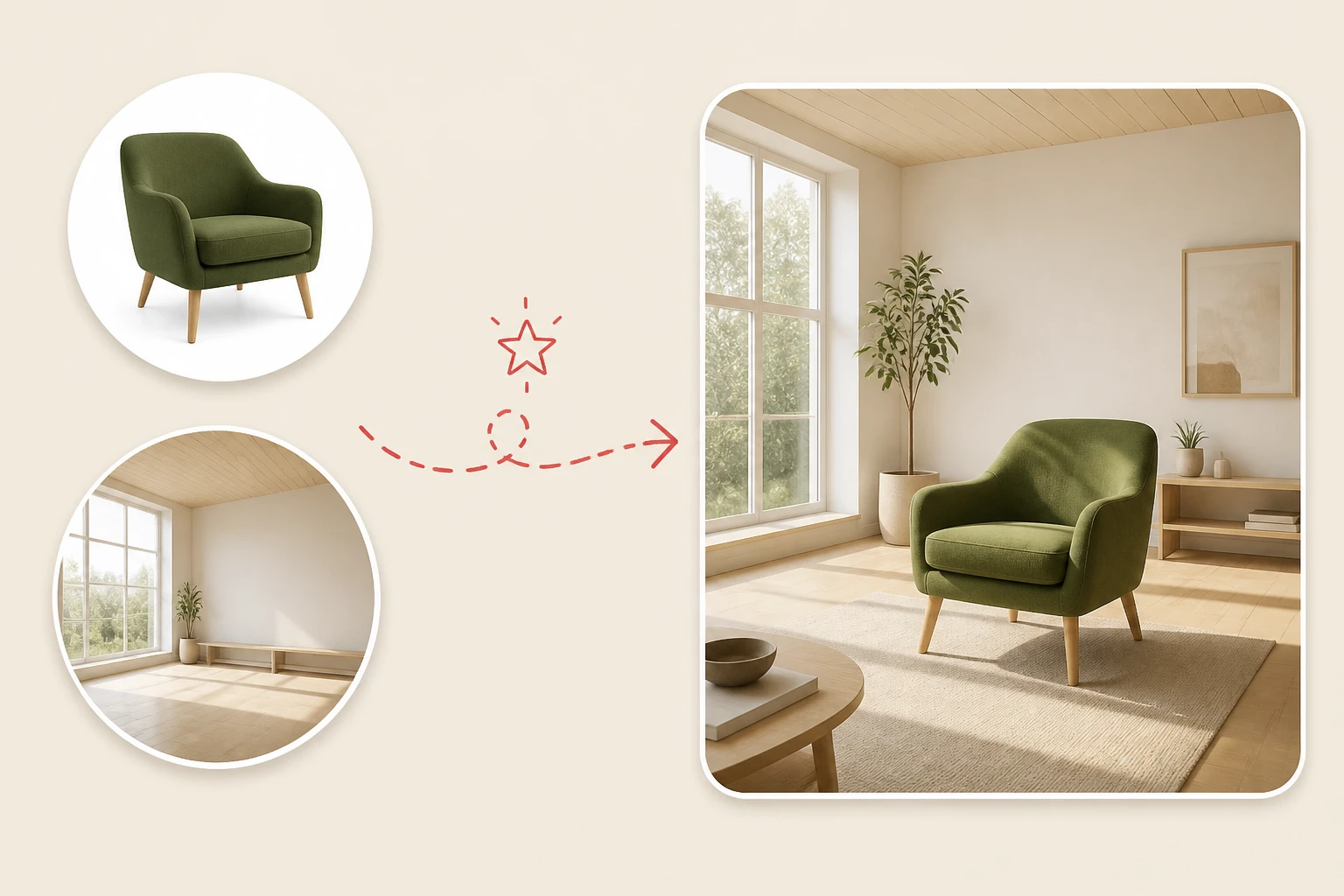
Instant Furniture Placement
Upload a piece of furniture and an empty room. AI accurately aligns the perspective and generates realistic contact shadows and reflections. Perfect for visualizing home decor before buying, making interior design completely effortless.
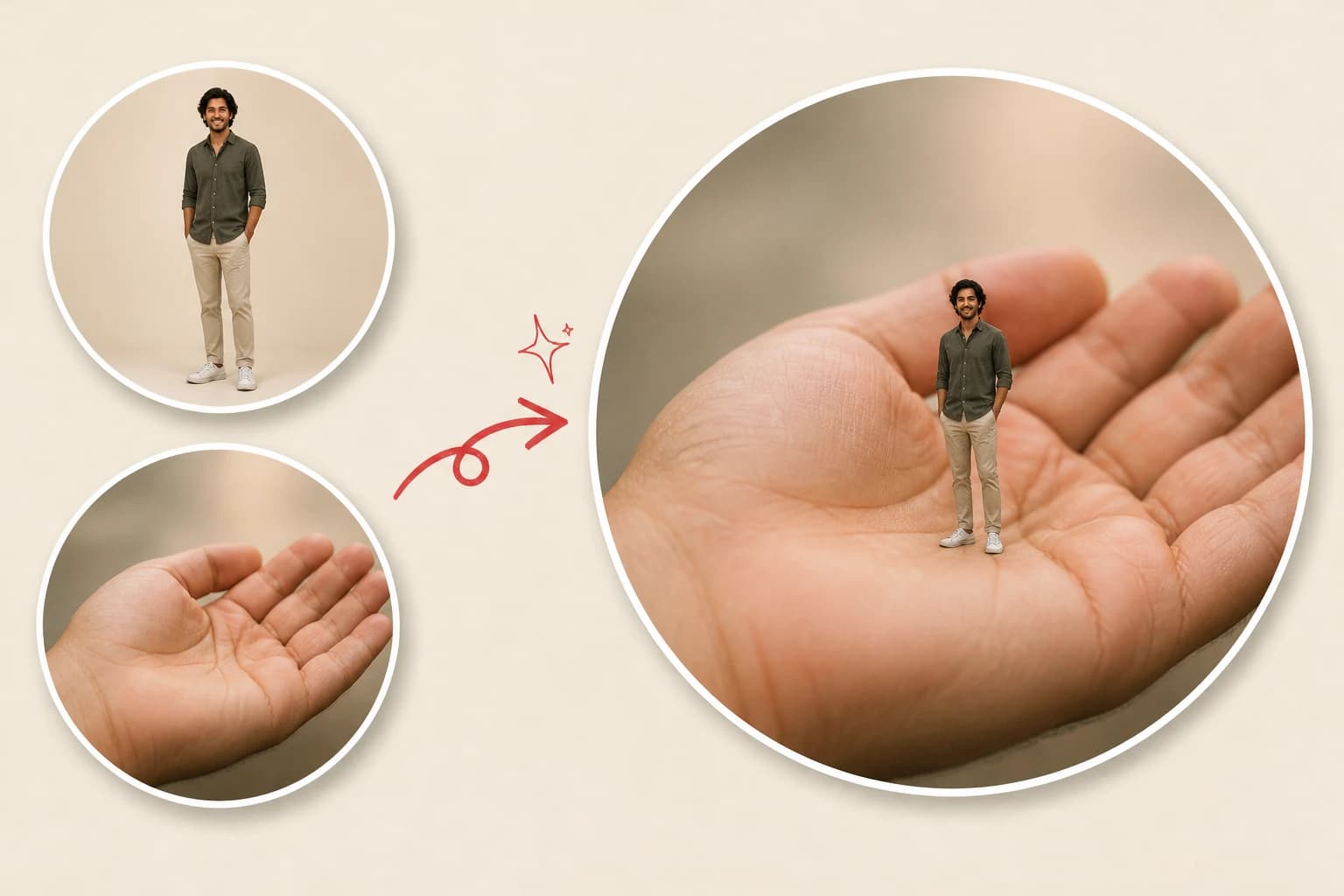
Social & Fun
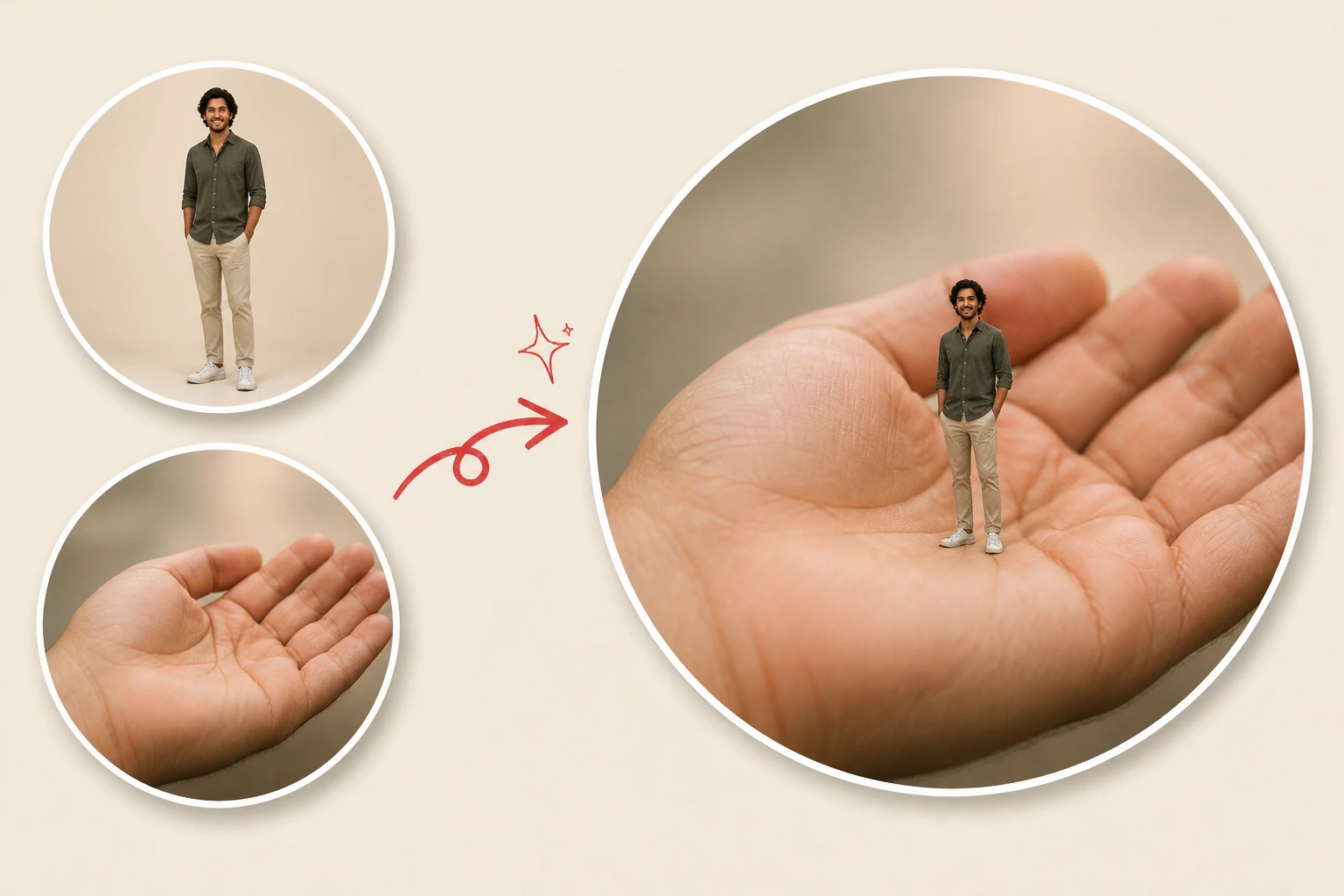
Pocket-Sized Magic
Upload a portrait and an empty hand. AI instantly shrinks your friend into a tiny miniature standing perfectly in the palm of your hand. Flawless perspective and realistic shadows create an optical illusion that will break your social media feed.
AI compositing vs. the manual workflow
The advantage is easier to see next to the way this job used to be done by hand.
Before AI, combining two photos meant manual compositing in software such as Photoshop: cut out the subject, place it on a new layer, transform it to the right size and angle, mask the edges, then adjust light, color, shadows, and perspective until the two shots stopped looking pasted together. That work takes practice, and a small mismatch can make the result look unreal.
AI Image Combiner replaces those editing steps with two uploads and one plain-language description. You say which subject comes from Photo 1 or Photo 2 and where it should be; the model handles the cutout, placement, and blending so scale, lighting, and perspective can read as one photograph. The result is saved to your history and ready to download — no layers, masks, or editing experience required.
Frequently asked questions
Short answers to the questions we hear most.
What is an AI image combiner?
It is a tool that takes two separate photos and merges them into one natural-looking image. The people, pets, or products from the two shots can appear together in one scene with combined lighting and perspective. You describe the result in plain language; there are no layers, no masks, and no manual cutouts.
How do I combine two photos into one?
Upload Photo 1 and Photo 2, describe how they should be combined, then click Combine photos. The result is usually ready in seconds to a couple of minutes and is saved to your history, where you can download it. Scroll back up and try it.
Is it free to merge photos?
Yes, to start: every account gets 5 free credits per day, so you can try a merge without a card. After that you pay per merge with prepaid credits, and any merge that fails, times out, or is canceled is refunded automatically. See per-image pricing.
Can I combine more than two images?
No. This tool accepts exactly two photos per result.
Will faces stay recognizable?
Likeness is best-effort, not forensic. Sharp, well-lit faces work best, and it helps to say which photo is the face source (“keep the face from Photo 2”).
Does it work on iPhone?
Yes. It runs entirely in the browser — Safari on iPhone or Android Chrome both work, and you can upload straight from your photo library. There is nothing to install.
Do I need Photoshop?
No. Traditional compositing means cutouts, layers, masks, and color matching by hand. Here you upload the photos, type one sentence about the scene, and the model does the blending.
More from pixmythos
One account, one credit balance, across every tool.
AI Image Editor
SoonChange an image you already have — background, style, lighting, details — with one instruction.
AI Image Generator
SoonCreate brand-new images from a text description, up to four at a time.
Remove background
SoonCut the subject out of any photo with one click.
Upscale
SoonEnlarge photos up to 4K while keeping the detail.
Combine your first photos free
5 free credits every day — try a merge on us. Create an account, upload two photos, describe the scene.